1
Primary role
Reference image
Shows the object, silhouette, materials, and visual intent
3D model result
Represents the object as a manipulable 3D asset
From reference to model
Image to 3D gives you a direct way to move from a visual reference to a 3D asset concept. Start with one focused image, describe what you need, and hand the request to the creation workflow.
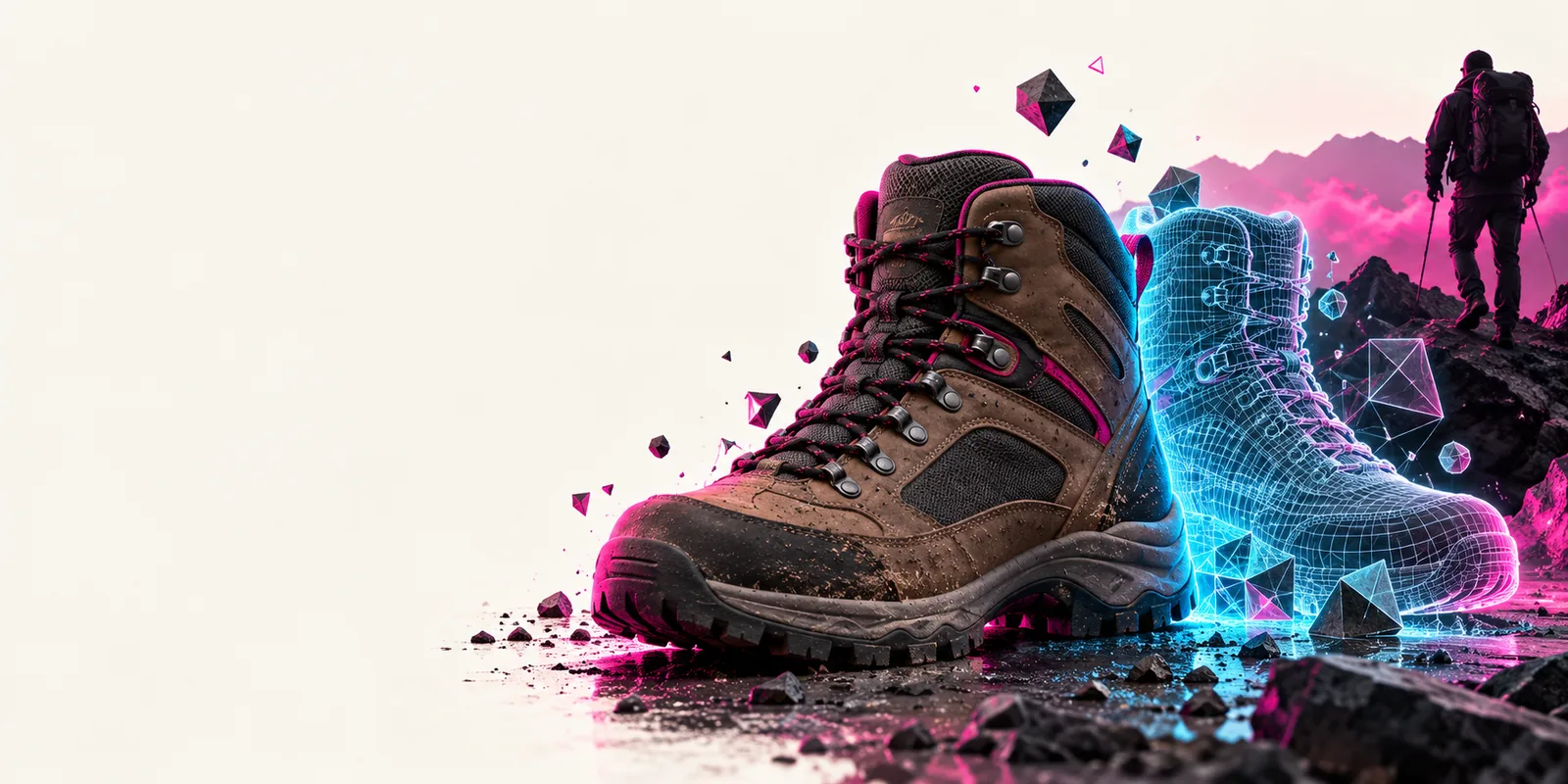
A useful conversion begins with a clear visual reference and ends with an asset you can inspect, refine, and place into a broader 3D workflow.
Reference image
Shows the object, silhouette, materials, and visual intent
3D model result
Represents the object as a manipulable 3D asset
Reference image
Visible evidence from one chosen viewpoint
3D model result
Inferred form based on the available visual cues
Reference image
A distinct object with a readable outline and limited clutter
3D model result
A focused model concept that can be reviewed from multiple angles
Reference image
Color, pattern, finish, and texture clues
3D model result
A surface appearance guided by the reference
Reference image
The starting point for generation or conversion
3D model result
The next asset for previewing, editing, or scene planning
Reference image
Look for blur, occlusion, reflections, and background noise
3D model result
Inspect silhouette, proportions, visible surfaces, and unexpected geometry
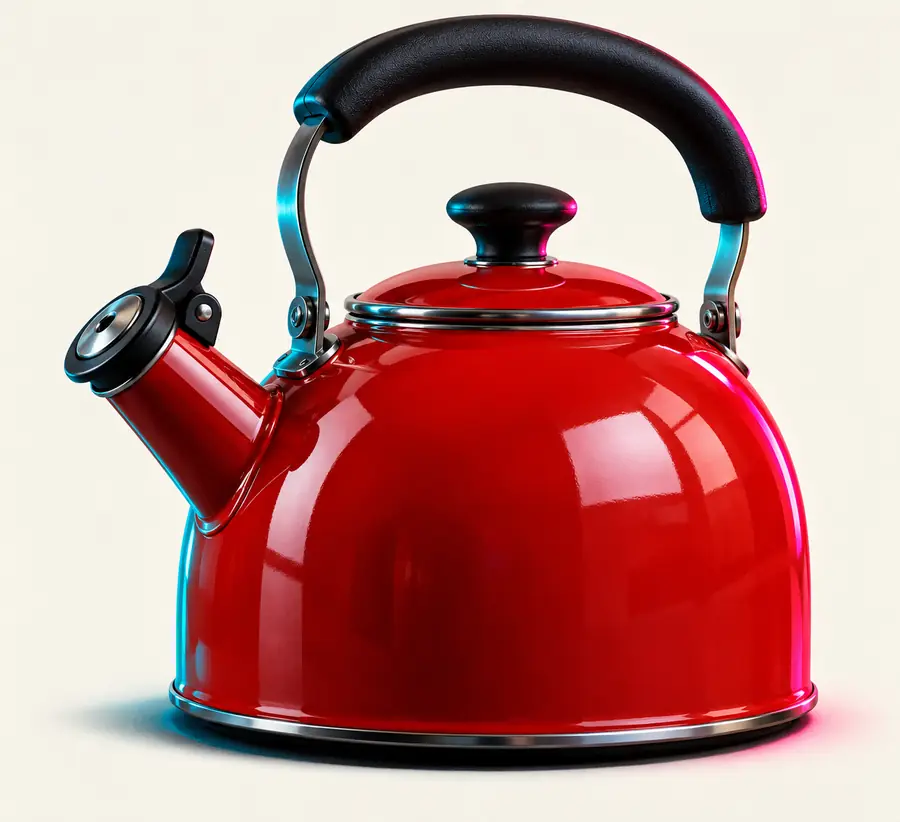
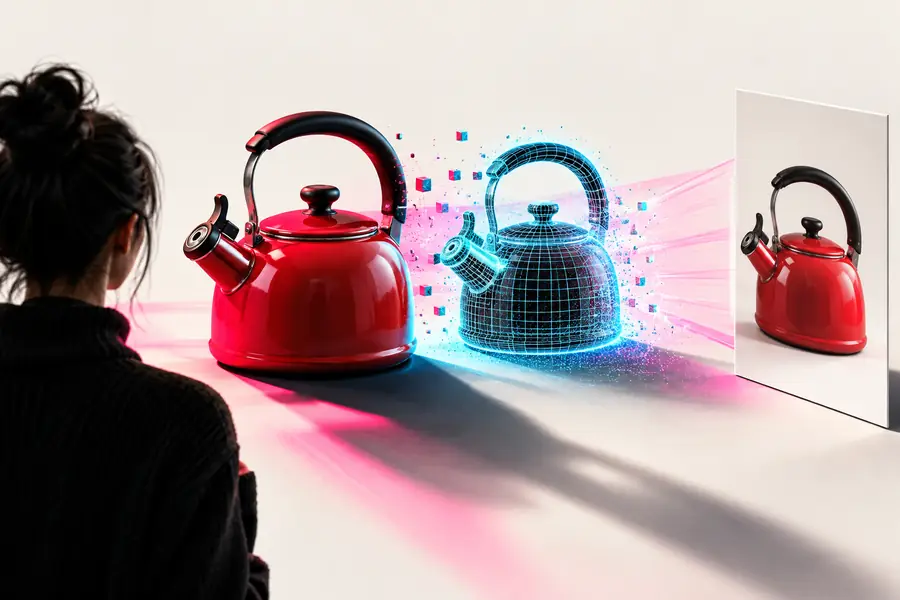
A before-and-after view makes it easier to check whether the generated shape follows the important visual signals in the source.
Drag the divider to inspect the match.
The same conversion pattern can support early exploration, product communication, and structured asset planning when the input image is specific enough.
Turn a photographed concept or product reference into a model direction before committing to a full production pass.
Review proportions and visual intent in a form that is easier to discuss with collaborators.
multi-view to 3dConvert a campaign reference into a scene-ready starting point for mockups, storyboards, or interactive presentations.
Move from a flat visual cue to a spatial concept without rebuilding the idea from zero.
text to 3dExplore an object from a concept image before deciding how it should be prepared for an interactive project.
Spot shape and surface decisions early, then plan the next modeling or optimization step.
what is a game-ready 3d modelUse a clean product reference to explore how an item could appear in a richer 3D preview.
Create an early asset direction for review before investing in final production photography or modeling.
multi-view to 3dBring a clear object image and a specific goal to the workflow. Alpha3d can help you turn that starting point into a model concept you can review, compare, and carry into the next stage of your project.
Yes, an online image-to-3D workflow can use a reference image as the starting point for a model concept. The result is strongest when the subject is clear, centered, and not hidden by heavy clutter or overlapping objects.
A single picture can provide enough visual guidance for an initial 3D model, especially when the object has a recognizable silhouette. Because unseen sides are not directly shown, treat the result as a starting asset to inspect and refine.
Some services advertise free access or limited trials, but availability, limits, and output terms vary by provider. Check the current workflow details before relying on a free option for production work.
Use a sharp reference with one main object, a readable outline, and enough lighting to reveal its surfaces. Simple backgrounds and distinct materials usually give the conversion clearer visual cues than crowded scenes, strong reflections, or severe occlusion.