Product teams
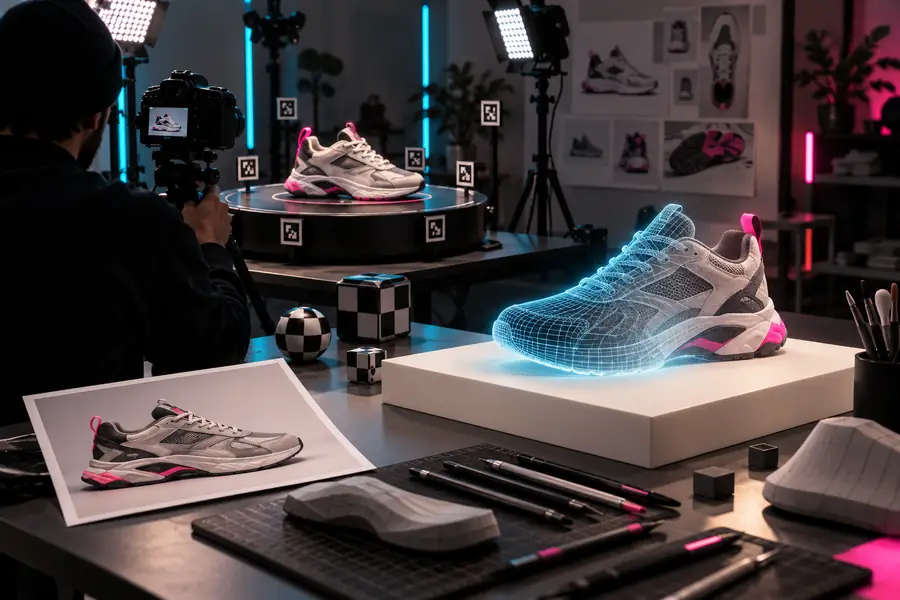
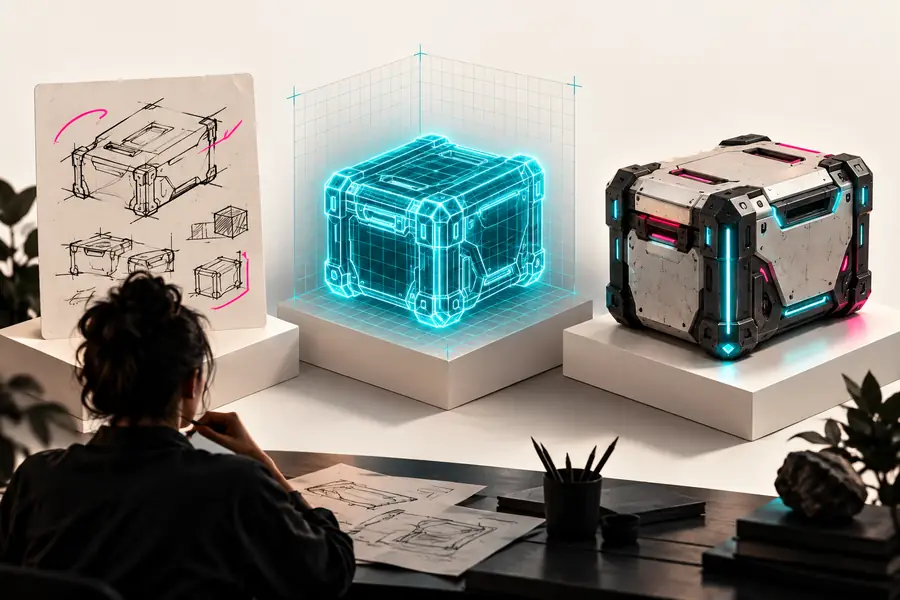
A new product idea exists as a sketch, reference photo, or verbal description, but a 3D concept is needed for review.
Turn the idea into a visual object that can guide feedback before detailed modeling begins.
image to 3dPractical 3D ideas
These alpha3d examples free show how a simple reference or description can become a useful 3D starting point for product, content, and game projects.
Use-case map
A useful 3D asset has to communicate shape, support iteration, and fit the next step in a real workflow—not merely look impressive in a single preview.
A new product idea exists as a sketch, reference photo, or verbal description, but a 3D concept is needed for review.
Turn the idea into a visual object that can guide feedback before detailed modeling begins.
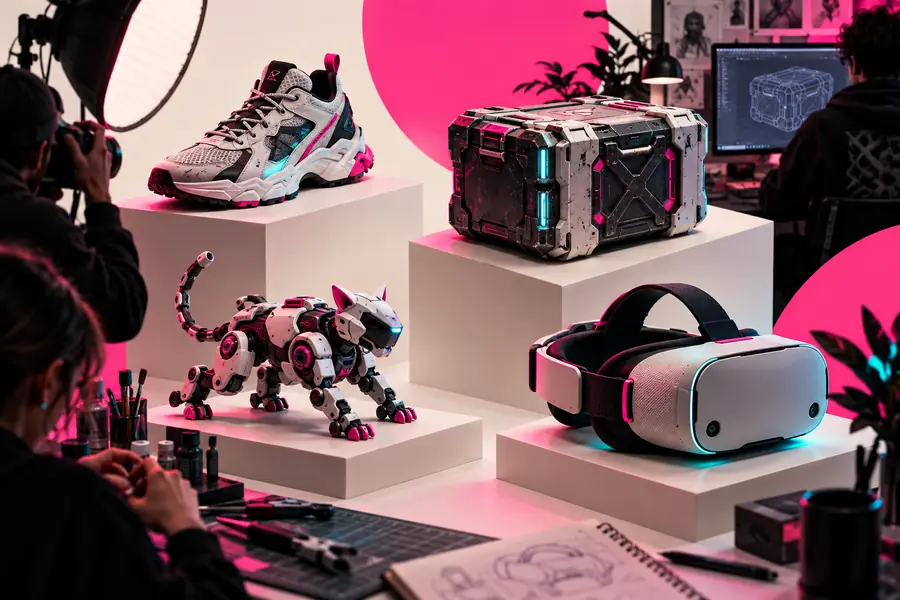
image to 3dA prop needs to be explored quickly while the team is still testing silhouettes, themes, and visual direction.
Create a rough prop concept that helps compare shapes and decide what deserves production time.
what is a game-ready 3d modelA campaign needs an unusual object or product-style visual, but a bespoke asset is not ready yet.
Build an early 3D visual for storyboards, campaign discussions, or content planning.
text to 3dOne image leaves important sides and proportions unclear when the object must be understood from more than one angle.
Use several views to establish a more informed 3D starting point.
multi-view to 3dPrompt to result
These examples pair a concrete prompt with a visible result so you can study the level of detail, object language, and visual direction before adapting the idea.
 Product
1
Product
1
A rounded blue ceramic teapot with a short spout, curved handle, smooth glaze, and clean studio lighting.
 Design
2
Design
2
A modern green desk lamp with a curved neck, broad shade, weighted base, and simple contemporary proportions.
 Furniture
3
Furniture
3
A dark brown leather lounge chair with thick cushions, rounded arms, a sturdy base, and a premium furniture silhouette.
 Fashion
4
Fashion
4
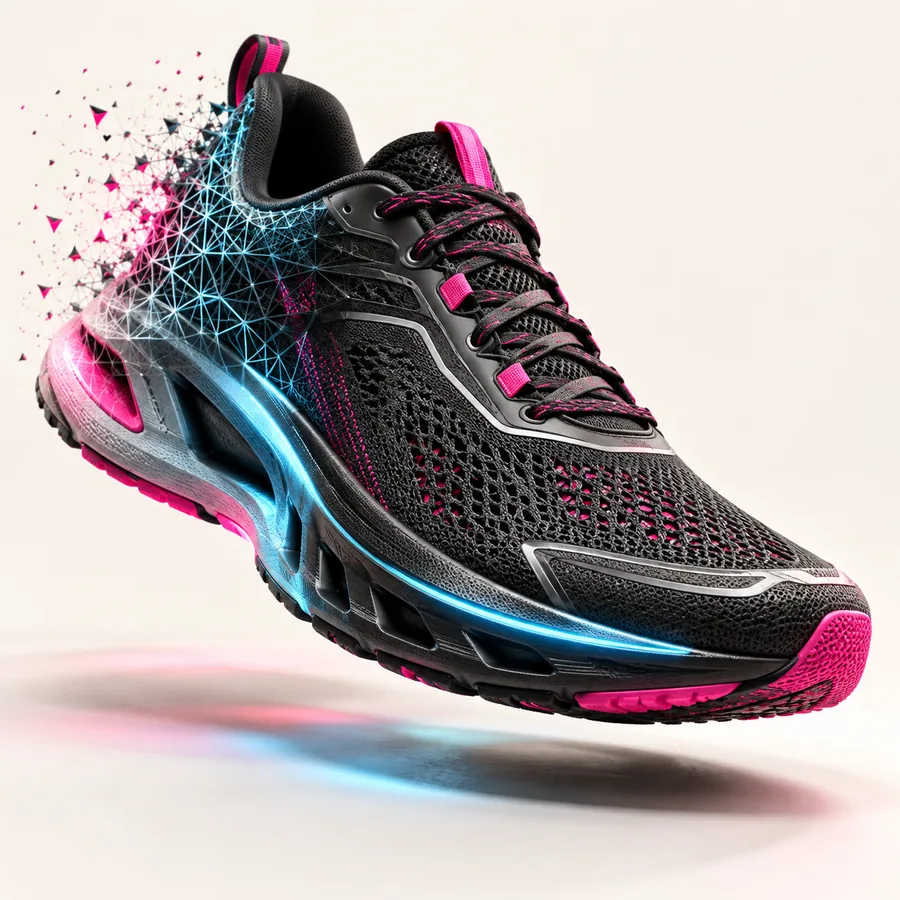
A red athletic sneaker with a white sole, layered panels, rounded laces, and a clean side-profile product view.
Keep the object, material, silhouette, and viewing angle specific; change one variable at a time.
Format evolution
The format has evolved from rough visual references toward faster, more deliberate asset exploration that keeps human review at the center.
Creators began testing whether one reference image could provide enough shape information for an early 3D concept.
Text descriptions became a practical way to test objects that were difficult to photograph, sketch, or source.
Additional views helped clarify proportions and reduce ambiguity when one angle could not explain the object.
Generated concepts increasingly served as inputs for review, blockouts, presentations, and downstream modeling decisions.
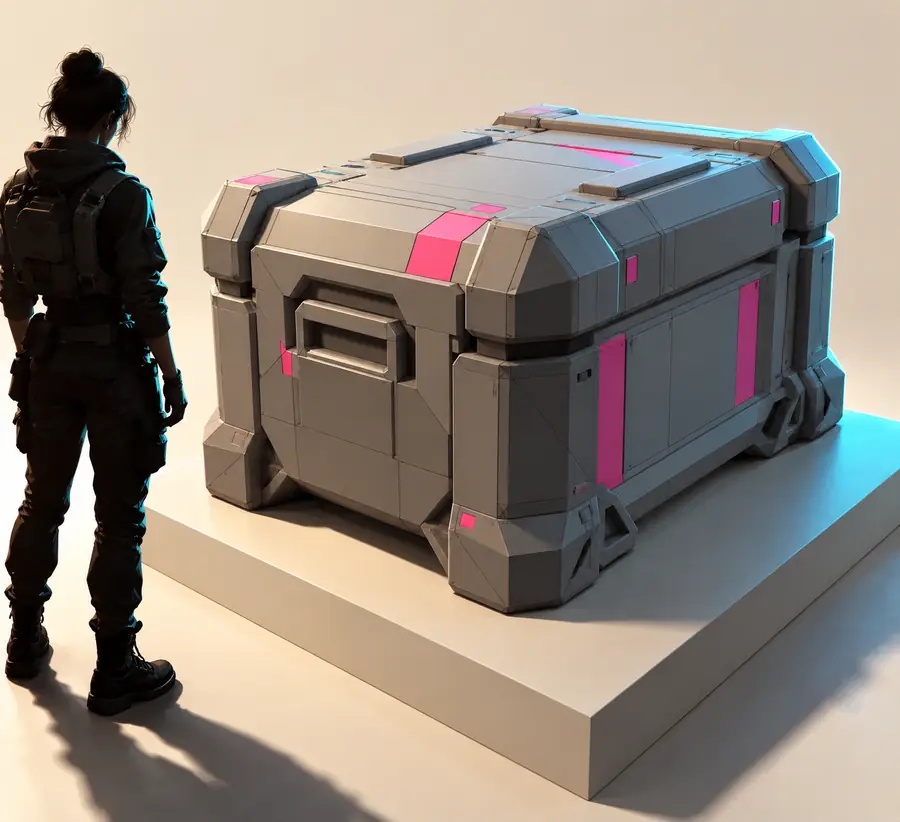
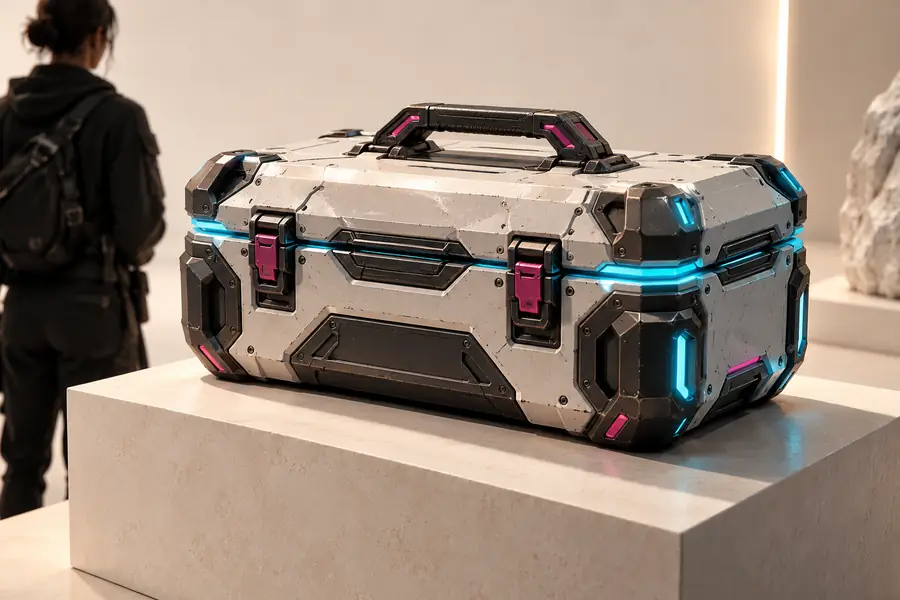
Quality check
A strong result is not only more detailed; it is easier to inspect, discuss, and decide on before committing to a longer production process.
Use the comparison as a review aid, not as proof that every generated asset is production-ready.
Workflow cards
Choose the workflow that matches the information you already have, then treat the result as a focused starting point for review and refinement.
Execution sequence
Start with a clear object image when the subject already exists visually. This is useful for product discussions, catalog exploration, and early design review.
Execution sequence
Use a written description when the object is still an idea. Specific nouns, materials, proportions, and camera language make the output easier to evaluate.
Execution sequence
When a subject has distinctive sides or proportions, several images can provide better context than a single view and support a more useful first pass.
Continue exploring
Move from examples to the input method that best matches the material you already have.
Turn a single visual reference into a 3D starting point.
Use several views when one image cannot show the full form.
Describe an object when the concept exists primarily in words.
Understand the qualities that make a model more useful in game workflows.
Make the next pass
Use a specific object, a clear visual goal, and one practical workflow to move from a loose concept toward something your team can inspect and discuss.
Scenario FAQ
Answers to common questions about using examples as a starting point for practical 3D work.
They are practical demonstrations of how an image or description can become a 3D concept. The examples are useful for understanding possible workflows, not as a guarantee that every prompt will produce the same result.
Yes, product teams can use this type of workflow to explore silhouettes, materials, and early visual directions. A generated concept is best treated as a discussion aid before detailed modeling or production work.
They can support early prop and asset exploration, especially when a team is comparing visual directions. Whether a result is ready for a game depends on topology, materials, optimization, and the requirements of the target engine.
Name the object first, then add its material, proportions, distinctive parts, and desired visual style. If the viewing angle matters, describe it explicitly and change one major variable at a time.
Not always. A single image can provide a useful starting reference, but hidden surfaces and exact proportions may remain uncertain; multiple views can provide more context when those details matter.